Sony Support

TVs, Monitors & Projectors

    Where is the model name located on my product
    AllDownloadsManualsQuestions & Answers
    Important Information

    Select your product type

    • Android TV | Google TV (BRAVIA)

    • Android TV | Google TV (BRAVIA OLED)

    • LCD TVs (BRAVIA)

    • Personal 3D Viewer

    • Projectors

    • Monitors

    Recommended Articles

    Experiencing TV issues? Reset your TV with a soft restart, power cycle, or factory data reset
    Connecting your BRAVIA TV to the internet
    Get Started with your BRAVIA TV
    My Sony TV doesn't power on and doesn't respond to the remote or power button
    Welcome to the BRAVIA TV usage tips page!
    Set up and Troubleshoot Video Streaming Services (Netflix, Amazon Prime Video, Disney+)
    How to troubleshoot Bluetooth sound and connection issues
    INZONE Gaming Monitor: Frequently Asked Questions (FAQ)

    Models: 3690

    • Popularity
    • Alphabetical (A to Z)
    • Alphabetical (Z to A)
    • KD-49XH8096
      DownloadsManualsQuestions & Answers
    • XR-65X90J
      DownloadsManualsQuestions & Answers
    • KD-55X8505C
      DownloadsManualsQuestions & Answers
    • XR-55A80J
      DownloadsManualsQuestions & Answers
    • KDL-32R410B
      DownloadsManualsQuestions & Answers
    • K-55XR80 / BRAVIA 8
      DownloadsManualsQuestions & Answers
    • KD-55XE8505
      DownloadsManualsQuestions & Answers
    • KDL-40W705C
      DownloadsManualsQuestions & Answers
    • KE-65XH9005
      DownloadsManualsQuestions & Answers
    • XR-65X93J
      DownloadsManualsQuestions & Answers

    Important Information

    • Netflix service ending on some 2014/2015 Sony BRAVIA LCD TVs

    Questions & Answers

    • Help! My Sony TV remote control doesn't work
    • Frequently Asked Questions for BRAVIA TV ARC (Audio Return Channel) feature
    • Troubleshooting BRAVIA TV power issues
    • Where do I find product manuals, specifications, firmware/software updates or drivers on Sony's support website?
    • Interactive BRAVIA TV Guide – Explore Sony TV Navigation
    • Register your product

      Get access to all information, keep your product up to date and enjoy great deals

    • Sony Community

      Visit our Community and share your experiences and solutions with other Sony customers

    • Contact support

      Contact your Sony Support team

    • Repair & Warranty

      Book, track or maybe even avoid a repair

    • Register
    • Repair & Warranty

    Videos

    Open video player
    Restart your Sony Google TV
    > Watch this video in the article
    Open video player
    Sony TV Tips: Improve your TV’s Performance
    > Watch this video in the article
    Open video player
    Update your Sony Google TV: WIFI or USB (2025)
    > Watch this video in the article
    Open video player
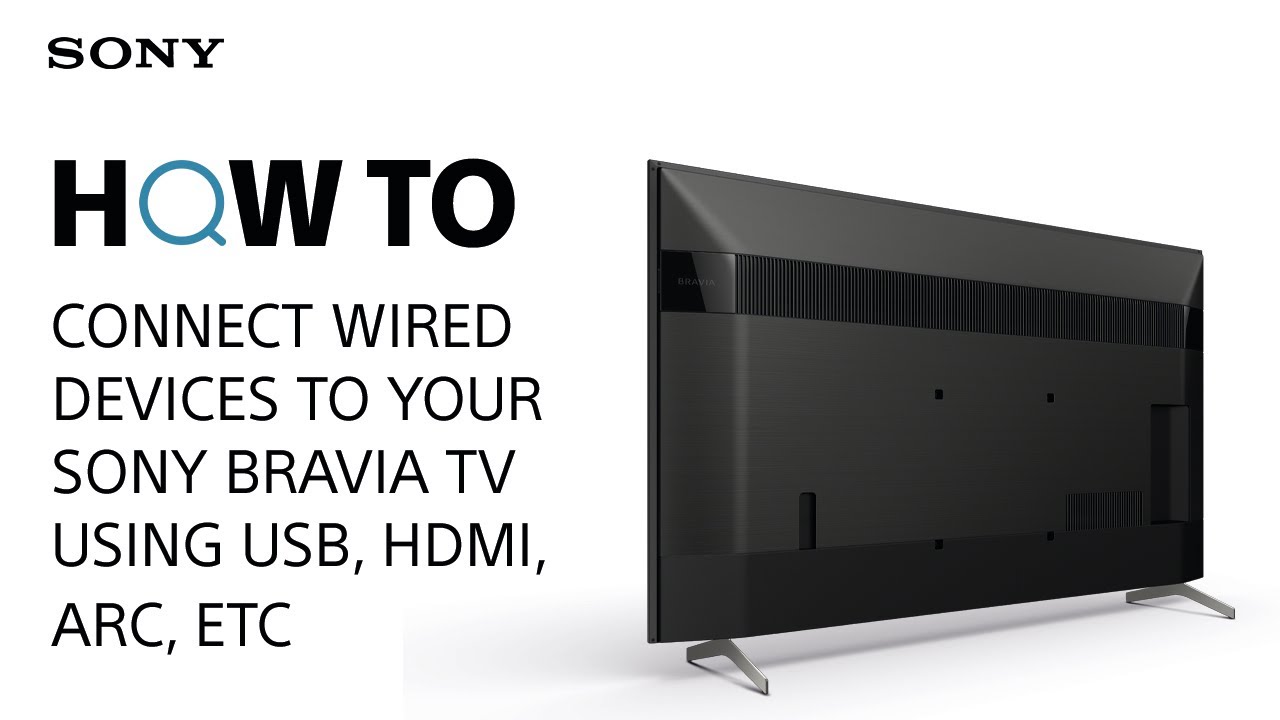
    How To: Connect wired devices to your Sony BRAVIA TV using USB, HDMI, ARC, etc
    > Watch this video in the article

    Please accept Youtube cookies to watch this video

    Access your cookie preferences below and make sure to switch on the Youtube cookie under the 'Functional' section.
    Find a Store

    • See Our Locations

    Community

    • Photo Gallery
    • Product Forum & General Chat
    • Wallpaper Gallery

    News & Info

    • Register your product
    • Offers and promotions
    • Press Centre

    Corporate

    • Sony's Purpose & Values
    • Accessibility
    • Diversity, Equity & Inclusion
    • Environment
    • Social Contribution
    • Sony Ethics & Compliance Hotline
    • Careers
    • Brand
    • Design
    • Technology
    Latvia
    • Professional Products & Solutions
    • Contact us
    • Company Info

    • TERMS AND CONDITIONS OF WEBSITE USE
    • WEB ACCESSIBILITY
    • PRIVACY POLICY

    Sony Group Portal Site Sony Group Portal Site

    © 2026 Sony Europe B.V.