Top Tips: Fashion Photography
Understanding Fashion Photography
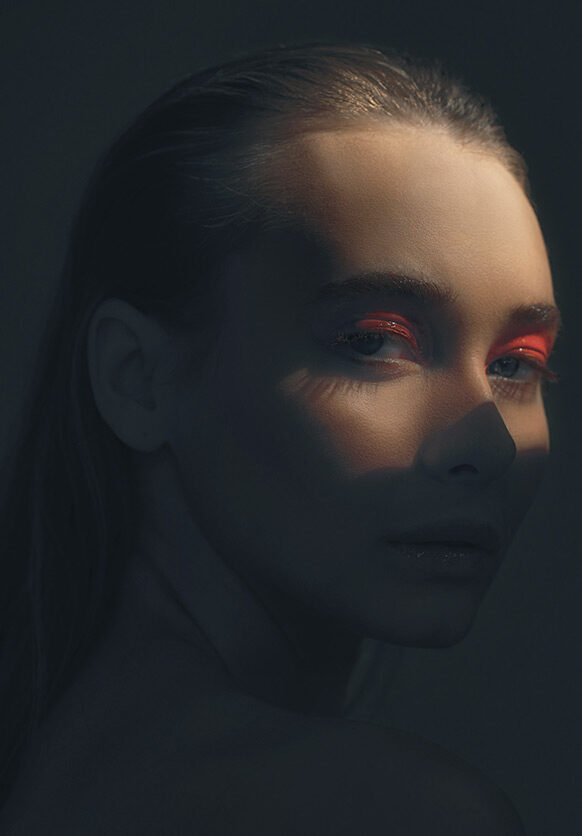
Taking fashion images is closely related to portrait photography, but with an important distinction: while portraits focus primarily on the person, fashion photography must make the clothes and style the star of the image. This opens up creative opportunities to be bold and imaginative in your approach.
Experiment with contrasting locations, high contrast colour palettes, or embrace a timeless black and white aesthetic. Look for inspiration everywhere and create images that stand out.
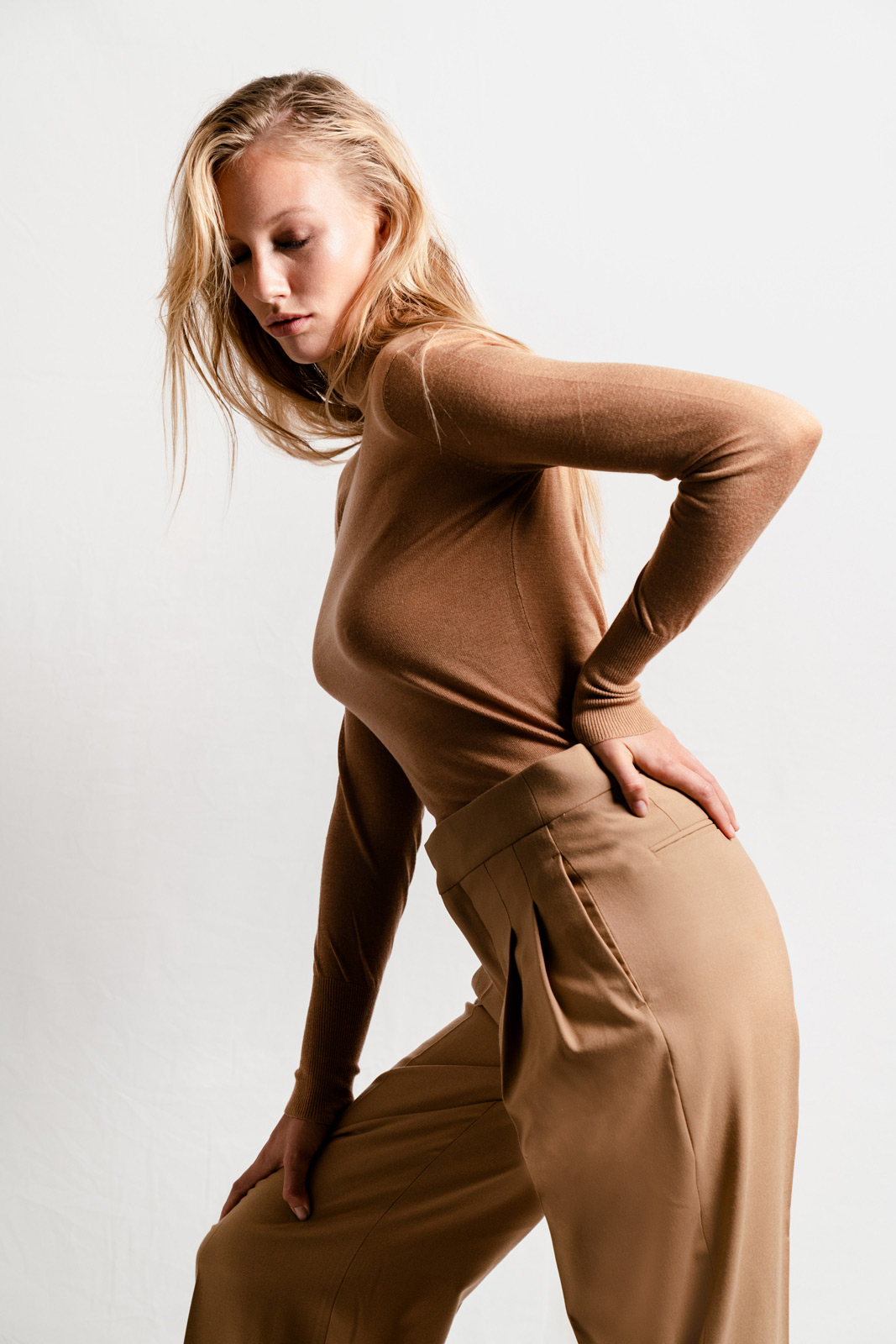 © Daniel Gossmann | Sony α7R III + FE 24-70mm f/2.8 GM | 1/250s @ f/4.0, ISO 800
Camera Choice
Any Sony Alpha or ZV series camera can be used for fashion photography, but for professional images, you'll want to capture maximum detail. Many professionals rely on high-resolution sensors found in the Sony Alpha 7R V and Sony Alpha 1 II cameras. These resolutions allow you to show clothing detail and crop images as needed.
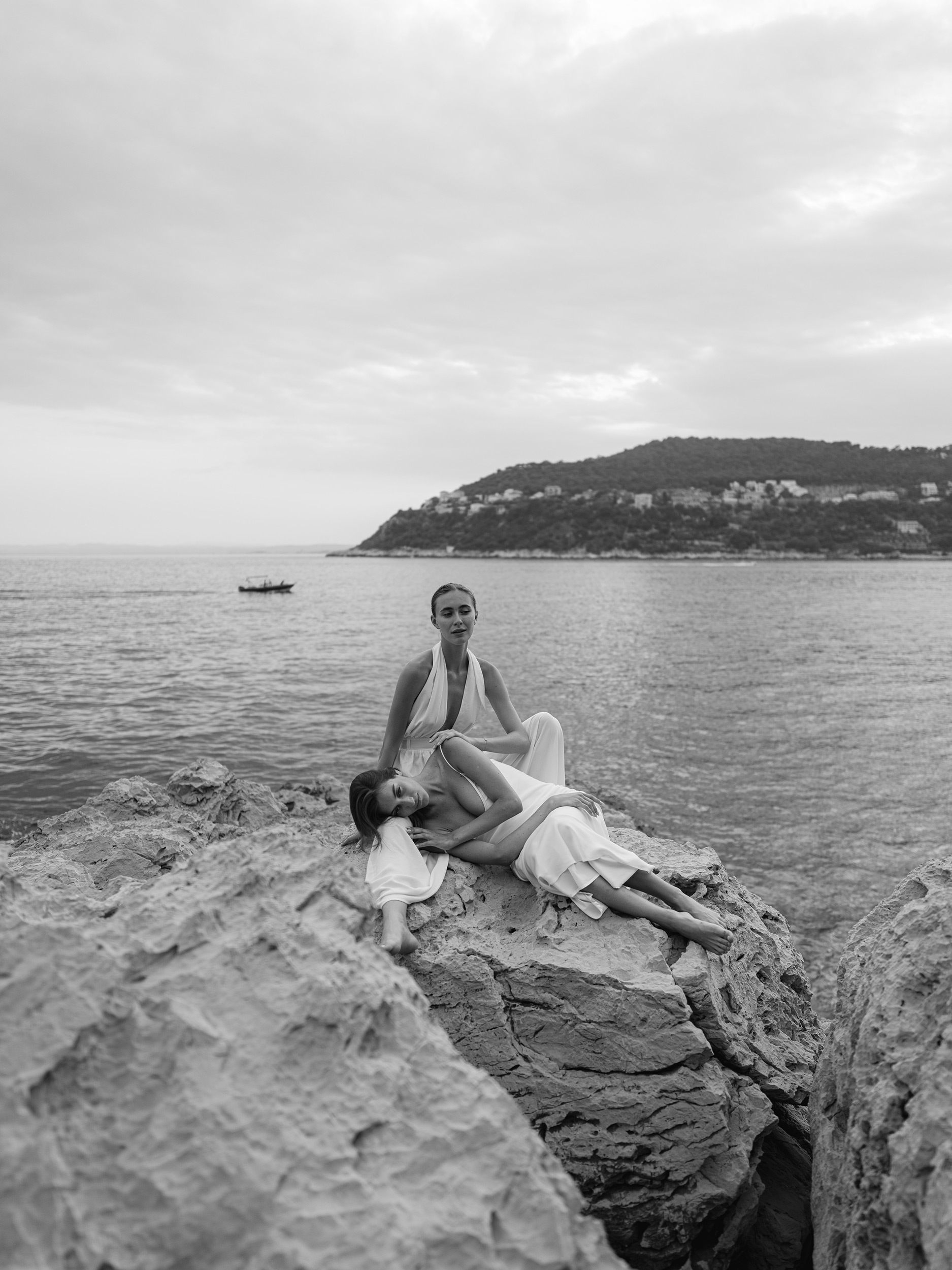 © Sandra Åberg | Sony α1 + FE 24mm f/1.4 GM | 1/500s @ f/1.4, ISO 64
Direction and Communication
Fashion photography relies heavily on communication and subject direction. Be vocal in your encouragement - boost the model's confidence and praise them when something works well. Provide clear direction and ask them to hold effective poses.
Working with experienced models helps achieve great poses immediately, but friends, family, actors or dancers often possess natural posing skills. Find images you like and ask them to copy the poses.
Image Review and Feedback
Show your subject poses that work by displaying preview images on the camera's LCD screen to help them understand what you are looking for. For advanced setups, use your Sony camera's HDMI output to connect to a larger monitor, or shoot tethered via USB or Wi-Fi to display images on a computer screen via Sony Imaging Edge Desktop software (downloadable from www.creatorscloud.sony.net).
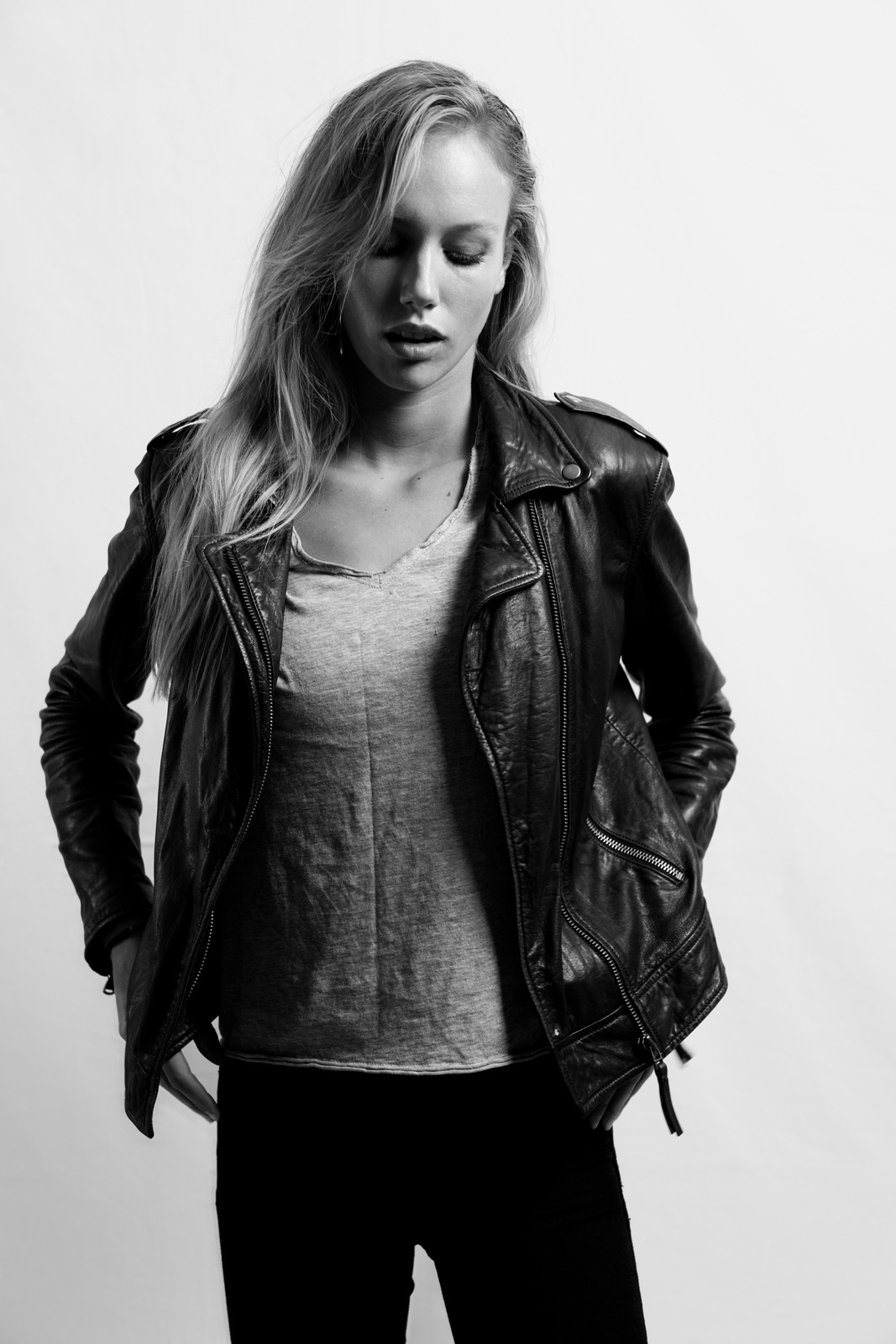 © Daniel Gossmann | Sony α7R III + FE 24-70mm f/2.8 GM | 1/160s @ f/4.0, ISO 800
Lens Choice
Your focal length choice for fashion images mirrors portrait photography. The classic 85mm lens produces flattering mid-length images. The Sony FE 85mm f/1.4 GM II is the pinnacle for incredible detail with beautiful background bokeh, while the FE 85mm f/1.8 offers excellent value while capturing details.
For full-length images, step back and use an 85mm lens, or use a 50mm lens for a wider field of view - great for use on location. The Sony FE 50mm f/1.2 GM is the ultimate 50mm lens with incredible bokeh and detail, while the FE 50mm f/1.8 is the most affordable Sony FE lens. For location shooting, the FE 50mm f/2.5 G lens is small, lightweight and always ready.
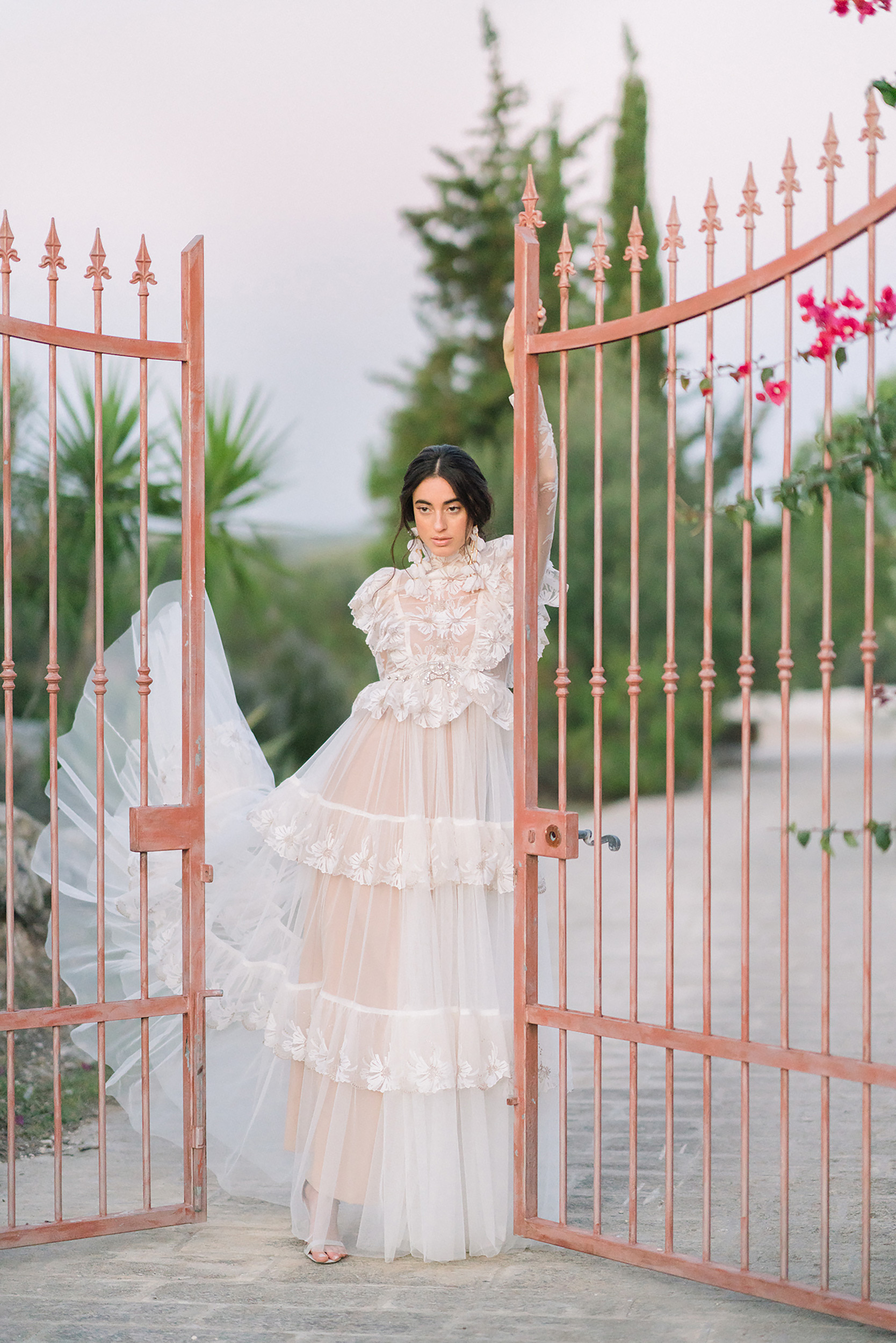 © Sandra Åberg | Sony α7R III + FE 85mm f/1.4 GM | 1/2500s @ f/1.4, ISO 2000
Aperture Value
Fashion photography requires a different depth of field approach compared to traditional portraits. While you might shoot portraits at f/1.4, f/1.8, or f/2.0 with only eyes in perfect focus, fashion photography demands that as much clothing as possible remains sharp.
Experiment with different aperture settings depending on lens choice and subject distance, but shoot around f/5.6 to ensure sufficient depth of field for all garment details throughout the frame.
Creating Rhythm
Music helps models relax and find their rhythm during shoots. Sometimes the camera's shutter click becomes part of this rhythm, acting as a cue to change pose. This creates a dance-like dynamic where the subject responds to shutter sound or flash, establishing the shoot's beat.
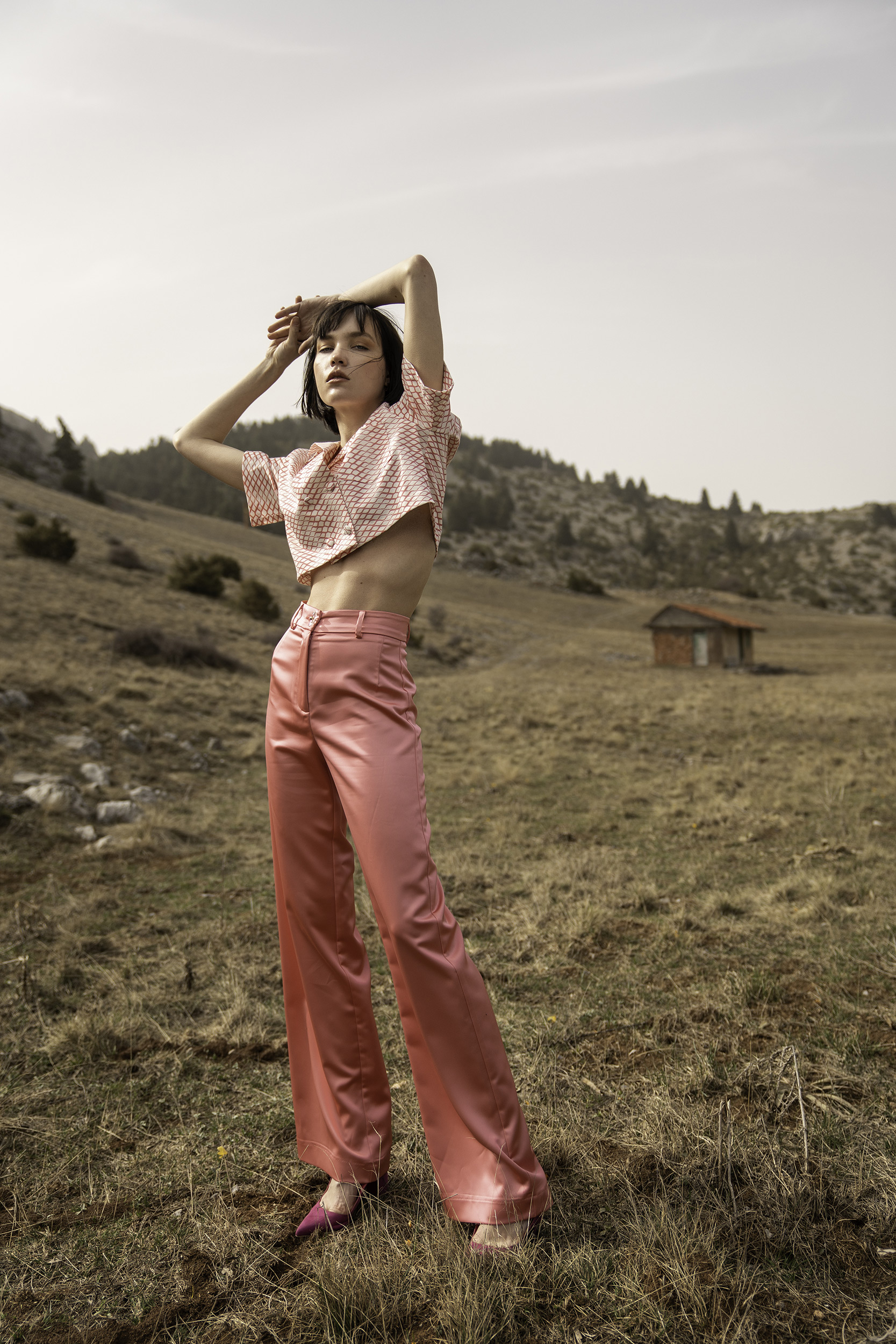 © Nicholas Mastoras | Sony α7 IV + FE 24-70mm f/2.8 GM | 1/800s @ f/2.8, ISO 200
Composition
When composing fashion shots, leave adequate space around your subject. Fashion images are often used for magazine covers or editorial spreads, requiring room for titles, headlines, and text elements. Shoot at the highest resolution and compose with extra space - you can always crop tighter later, but can't add uncaptured space.
Eye-AF
Although the primary focus is on clothing, it's crucial to ensure the model's eyes remain tack sharp. Sony's Eye AF technology is invaluable for fashion photography, automatically detecting and tracking subjects' eyes even when using wider apertures, even if you have your subject moving or jumping to create fashion shots with impact.
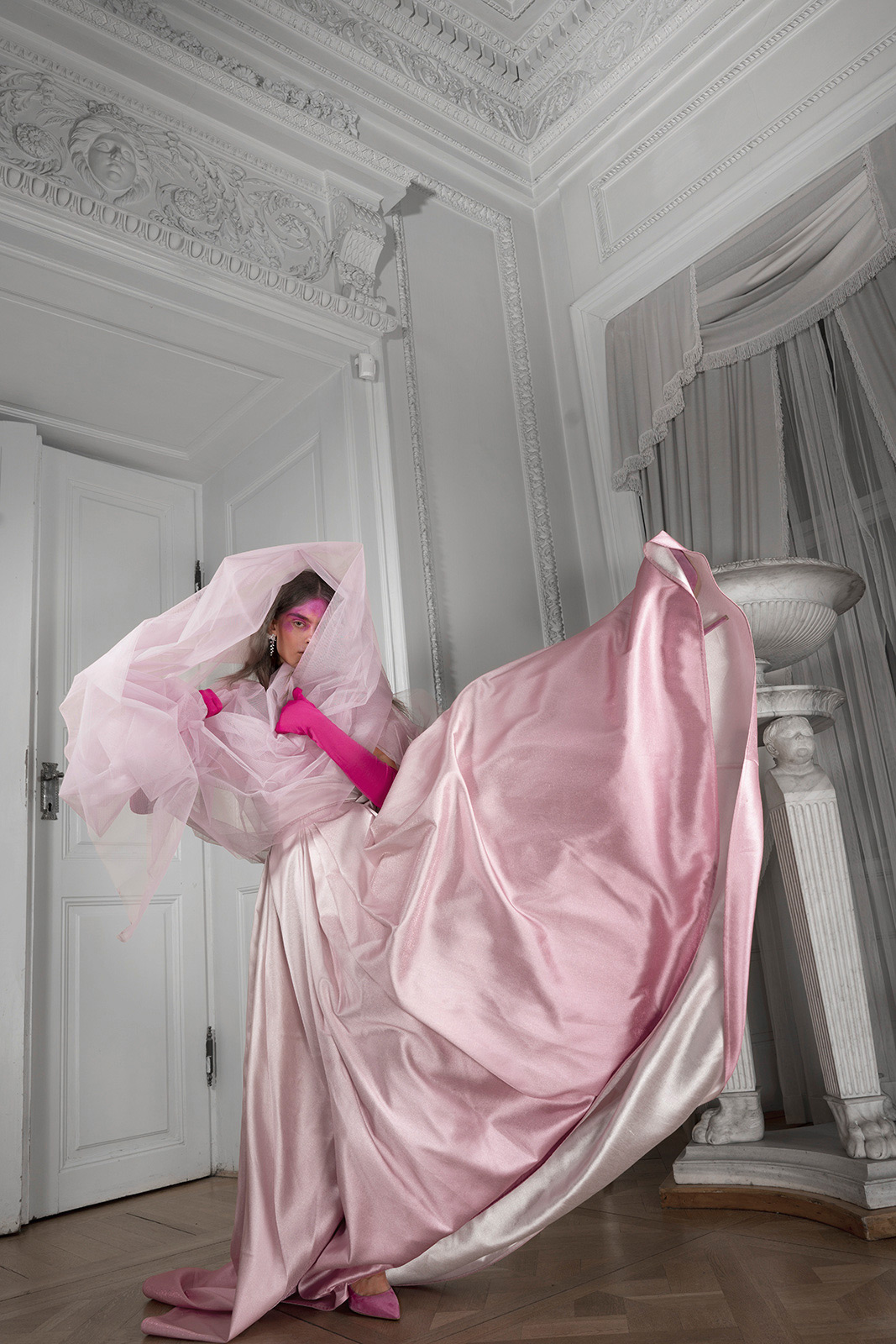 © Lidia Popiel | Sony α7R III + FE 28mm f/2 | 1/60s @ f/7.1, ISO 100
Set Custom White Balance and Shoot in RAW
Always shoot in RAW to capture maximum detail. Fashion photographs typically undergo extensive post-processing to ensure accurate garment colours and skin tones while removing minor blemishes from the subject's skin and clothing, such as stray hairs or dust particles.
The key to editing raw images is having a good starting point. Use a professional grey card, guaranteed to be neutral, and take a Custom WB reading. Go to White Balance Menu, select Custom, choose a save location (Custom 1-3). Have your subject hold the white balance card, point your lens at it and press the control wheel's centre button to take a white balance reading. Use this custom white balance for your shoot.
Wireless Flash System
Sony's wireless flash lights, such as the GN60 Wireless Radio Control External Flash, allow you to take your fashion studio outside. When paired with the Sony Alpha 9 III, it's possible to use shutter speeds as fast as 1/80000 sec. outside. This combination allows larger apertures even in bright sunlight, creating shots that previously required large, cumbersome flash systems and battery packs.
Summary
- Camera Choice: High-resolution cameras such as the Alpha 7R V and Alpha 1 II are perfect for capturing details in clothes.
- Communication: Be vocal with encouragement and show models their best poses on your Sony camera’s LCD screen.
- Lens Choice: Use 85mm for flattering mid-length shots or 50mm for wider location fashion photography.
- Aperture: Shoot around f/5.6 or smaller to keep all garment details sharp throughout the frame.
- Creating Rhythm: Use music to help models find rhythm, with shutter clicks cueing pose changes.
- Composition: Leave extra space around subjects for magazine titles and text elements.
- Eye AF: Use Sony's Eye AF to keep the model's eyes tack sharp.
- Custom WB and RAW: Shoot in RAW and take a custom white balance using a grey card to get the most accurate colours for editing and retouching.
- Wireless Flash System: Sony's wireless flash systems enable outdoor shoots with fast shutter speeds up to 1/80000.