
Top Tips: Photographing Winter Landscapes
Winter landscape photography offers a unique opportunity to shoot magical images with your Sony Alpha camera. With ice, frost and snow transforming a landscape, it can look like another world. There’s plenty to photograph, from frosty fields to deep white snow. However, winter shooting presents challenges. Thankfully, Sony cameras and lenses have all the features you need to capture the beauty of the winter months.
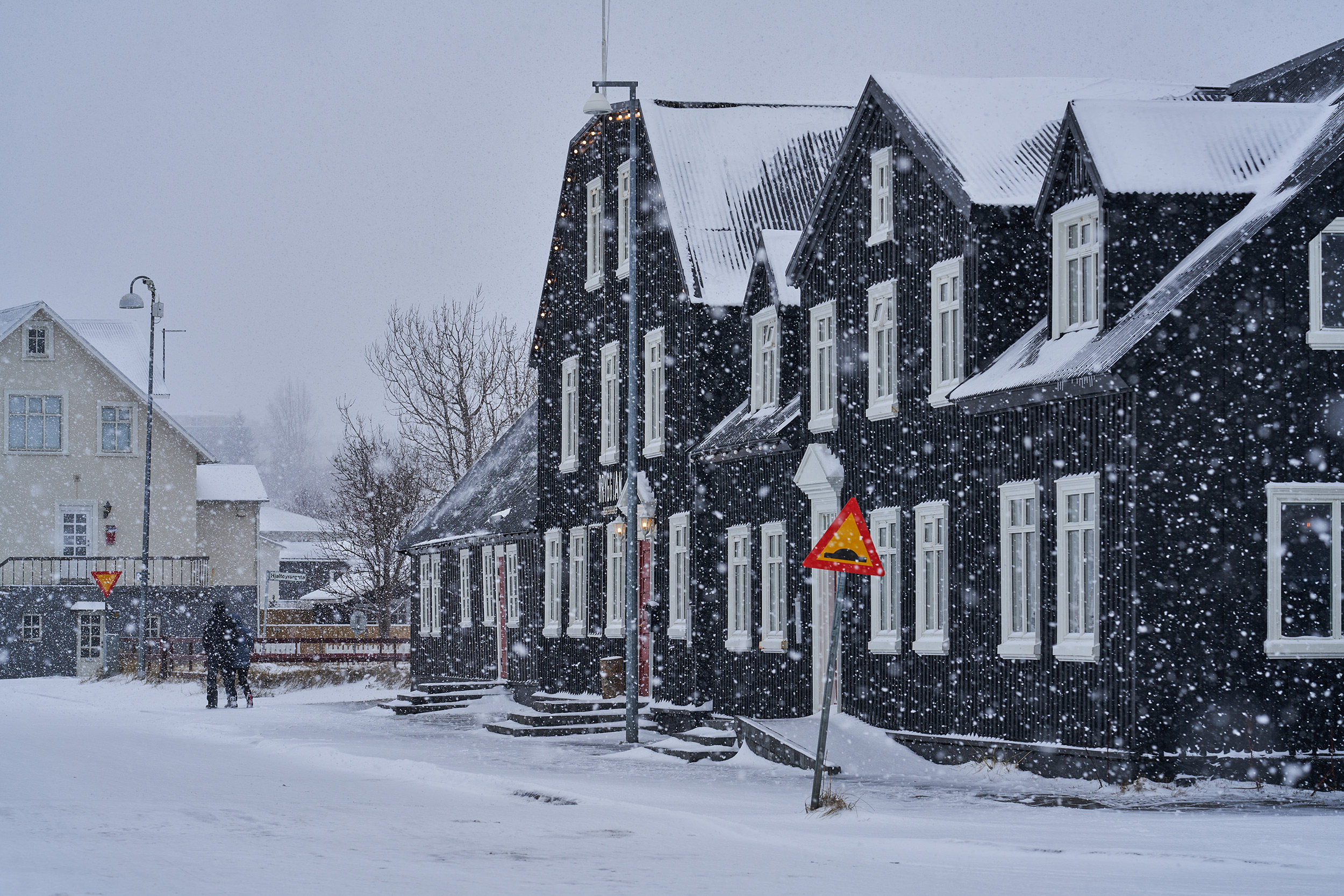 © Pall Stefansson | Sony α7R IV + FE 135mm f/1.8 GM | 1/400s @ f/7.1, ISO 160
Be Prepared
Always check the weather forecast and wear appropriate clothing. Layers help you adjust to changing conditions, but waterproof clothing is essential in remote locations. Being cold and wet can become a serious issue. Gloves keep your hands warm, and appropriate footwear prevents slipping. Proper clothing makes freezing conditions comfortable and the experience far more enjoyable, so you will stay out longer taking photos.
 © Alessandro Grassani | Sony α7R III + FE 35mm f/1.4 ZA | 1/10s @ f/16, ISO 50
Camera Care
Bringing a cold camera into a warm room can cause condensation inside the camera and lens, which, over time, can cause damage. The solution is simple: place your camera in a sealed plastic bag inside your camera bag when you finish shooting. Open your camera bag indoors and allow the temperature to stabilise for 30-60 minutes. Any condensation forms on the plastic bag rather than your gear.
Heading from warm to cold is less problematic, but you should still allow your camera to cool in your bag for a few minutes before exposing it to colder temperatures.
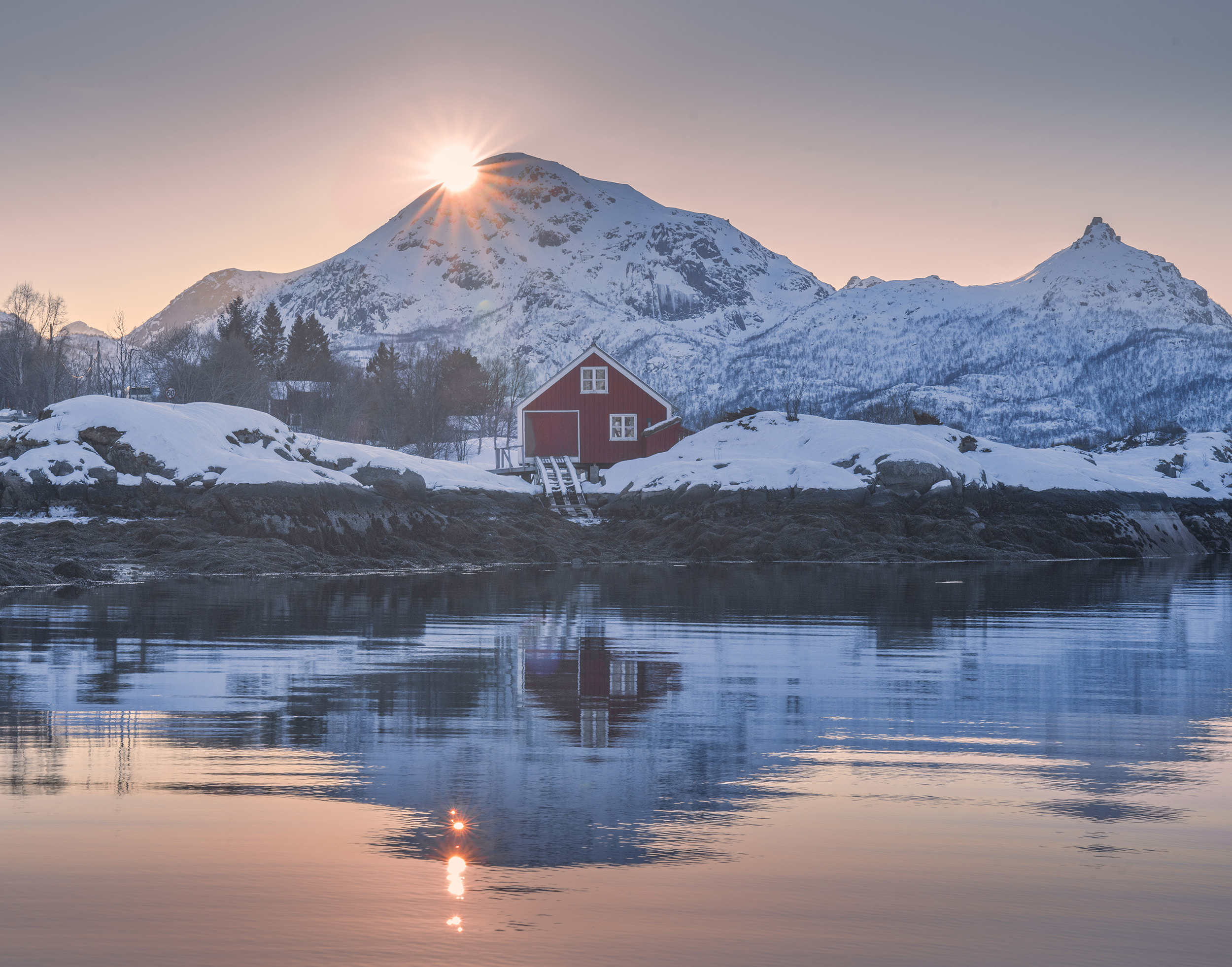 © İlhan Eroğlu | Sony α7R II + FE 24-70mm f/2.8 GM | 1/40s @ f/14, ISO 200
Batteries
All batteries are affected by cold. Your camera battery stays warmer whilst in use, but keep spares wrapped in your camera bag or, better still, in a pocket close to your body.
Shooting Snow
The latest Sony cameras feature AI technology that recognises scenes and adjusts exposure accordingly. Even so, you may want control over tricky subjects like snow. Use Exposure Compensation (+/-) to darken snow for a moody image or brighten it for a minimalistic scene. Use the Histogram to check you're not creating blown-out white areas - ensure the histogram isn't peaking on the far right.
Similarly, set the Zebra Display tool (Menu > Exposure/Colour > Zebra Display) to 100%. This superimposes a scrolling pattern on areas that are exposed to be completely white. Monitor the Zebra patterns and darken the exposure until they disappear and detail is restored. For quick use, assign the Zebra Display feature to a custom Function button of your Sony camera.
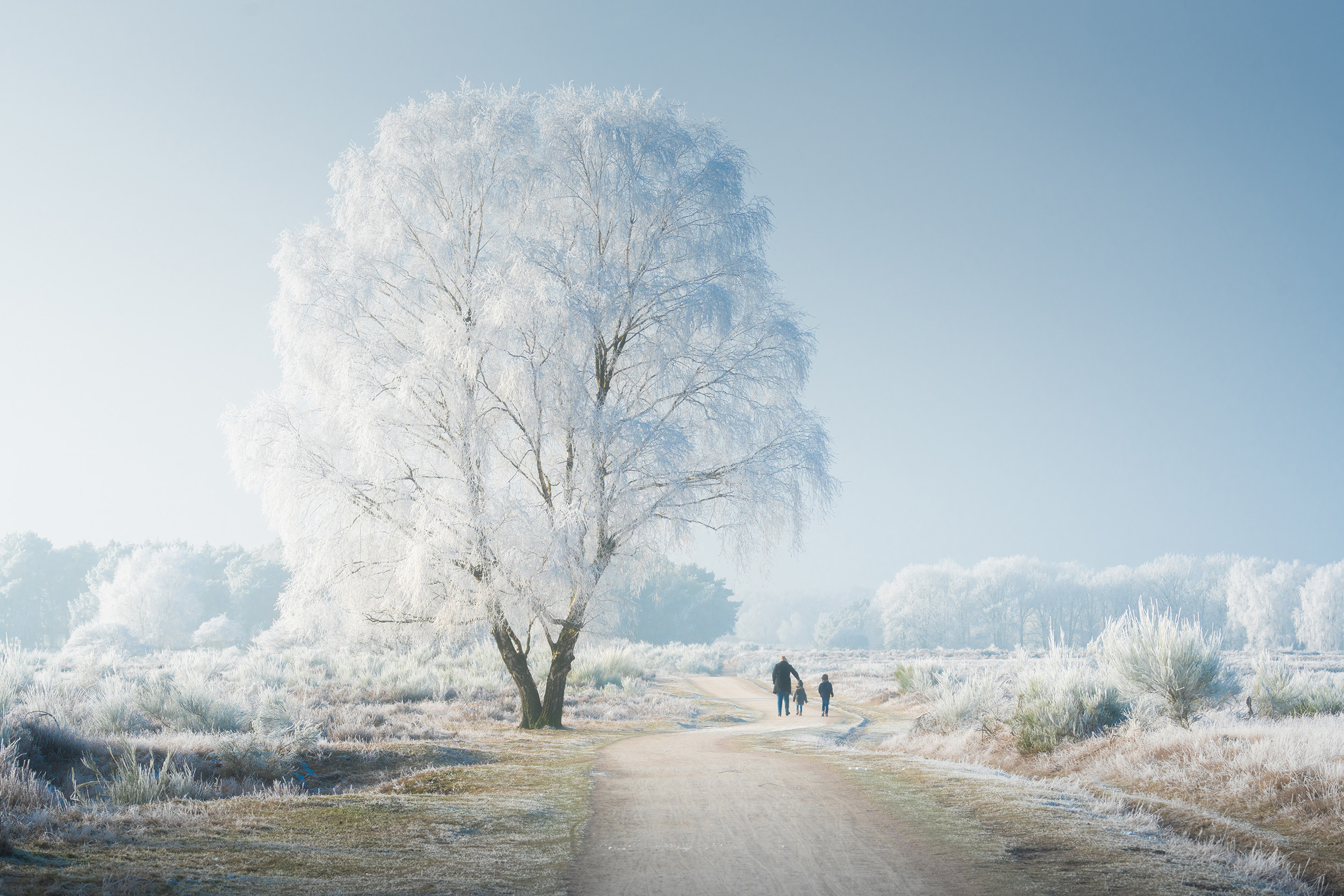 © Albert Dros | Sony α7R II + FE 70-300mm f/4.5-5.6 G OSS | 1/320s @ f/9.0, ISO 160
White Balance
Although we think of snow as pure white, in photographs it often appears with a blue colour cast. This happens because snow in shade or on overcast days reflects the blue colour of the sky. Our eyes and brain adjust automatically, but cameras capture it faithfully.
The simplest solution is to shoot raw images and adjust white balance precisely to your taste in editing software. Neutralising the blue cast entirely can look clinical, so consider leaving a hint of cool tones to maintain a winter atmosphere.
For in-camera shooting, AWB works reasonably well but can be inconsistent. For more control, use Manual white balance and experiment with Kelvin values. Settings between 5500K and 6500K give neutral to slightly warm results. For a colder, dramatic feeling, try 4500K to 5500K.
In summary, experiment with white balance. A hint of blue creates natural-looking images with cool colour, enhancing the scene's cold feel.
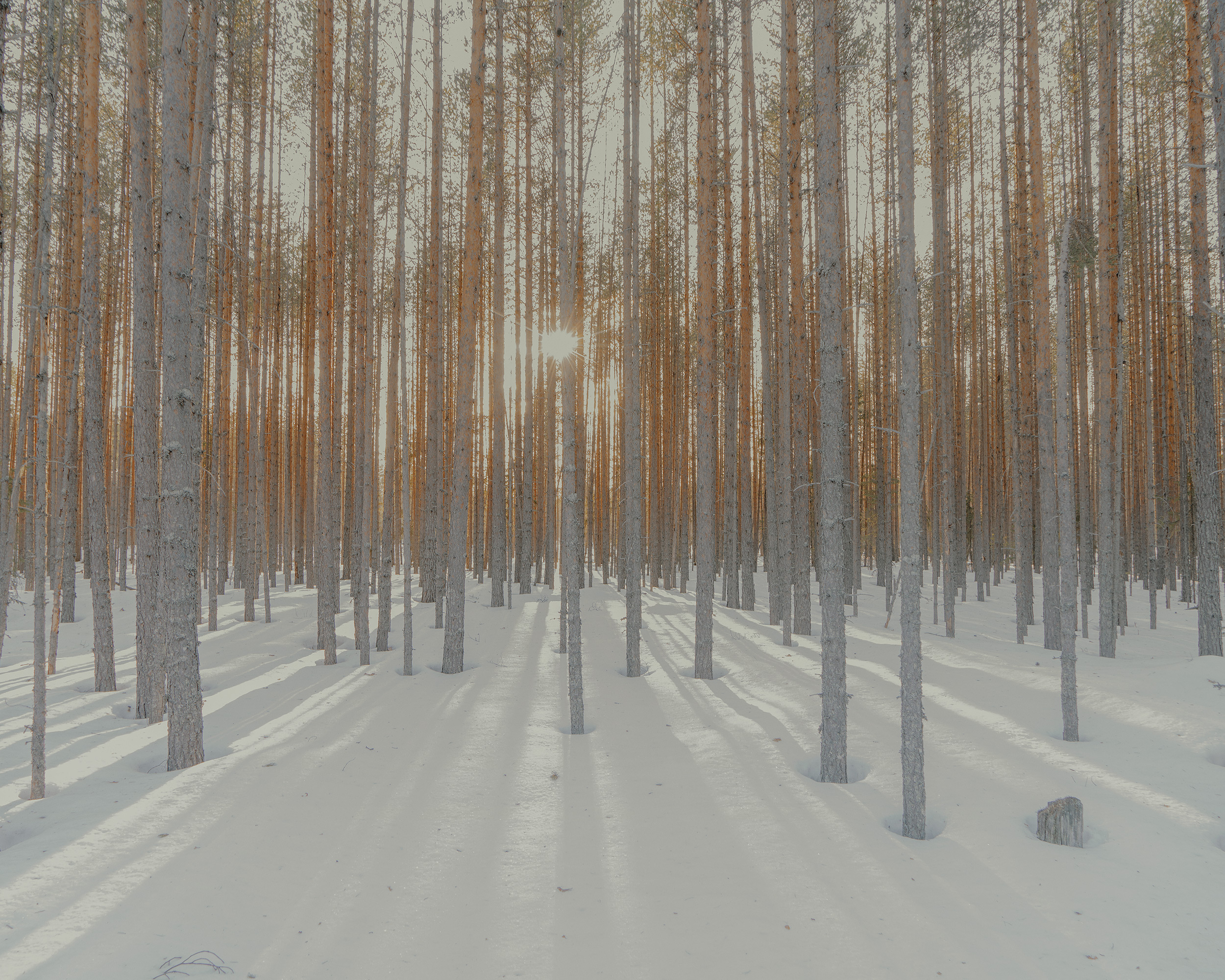 © Davide Monteleone | Sony α7R IV + FE 24-70mm f/4 ZA OSS | 1/6s @ f/7.1, ISO 125
Camera and Lens Choice
Any Sony camera works well for winter landscapes. The Sony Alpha 7 V provides an excellent all-round option, whilst the Alpha 7R V's 61-megapixel sensor maximises detail in dramatic landscapes.
The Sony FE 24-70mm f/2.8 GM II lens is versatile for whatever you encounter, whilst wide-angle lenses like the FE 16-35mm f/2.8 GM II capture more expansive vistas with foreground interest.
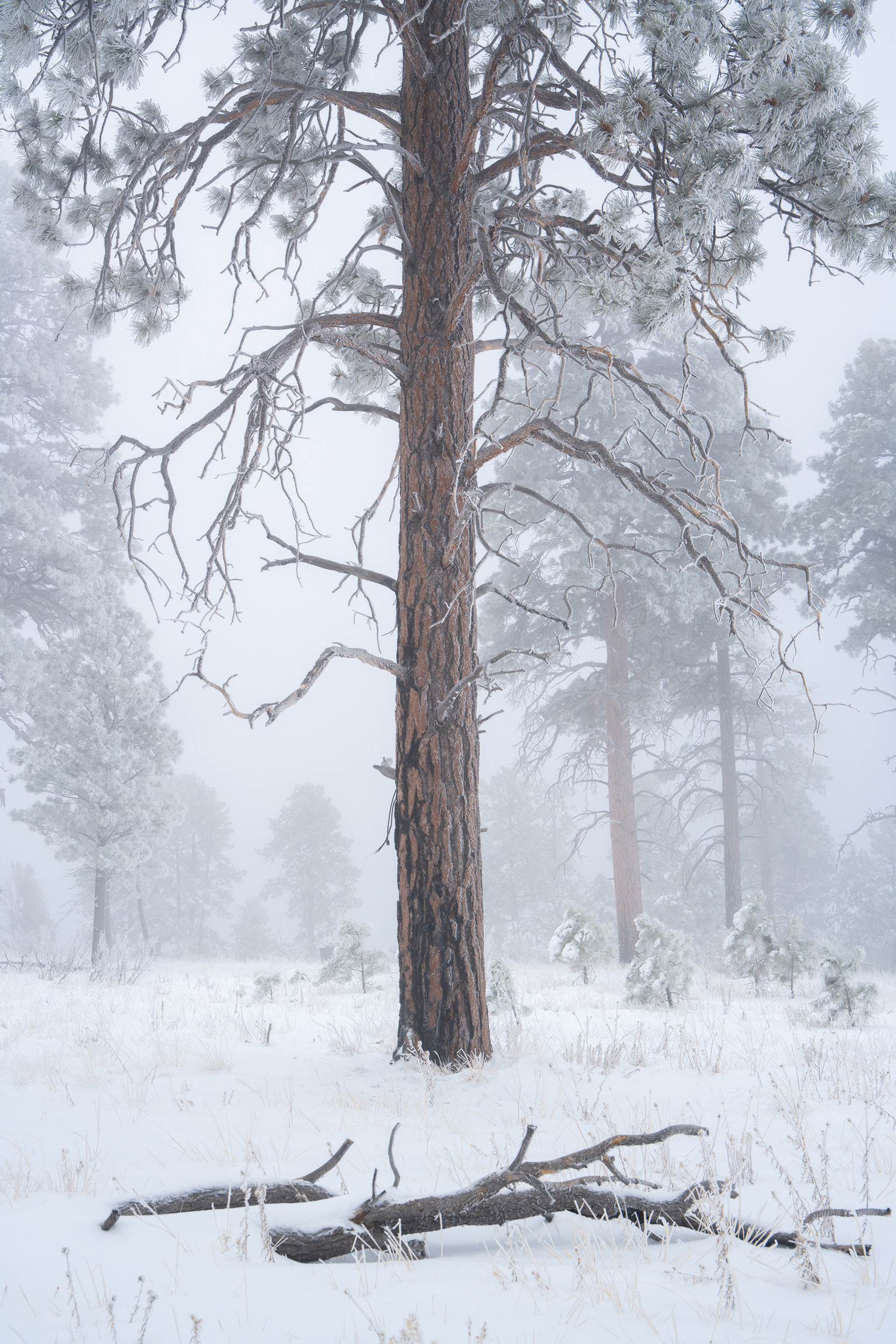 © İlhan Eroğlu | Sony α7R V + FE 24-70mm f/2.8 GM II | 1/100s @ f/8.0, ISO 200
What to Shoot
From frozen lakes and icicle-laden waterfalls to frost-covered fields, winter landscapes can be magical. Depending on your location, daylight hours may be limited. However, throughout Europe, you don't need to wake too early or stay out late to catch sunrise and sunset, with fiery orange and pink skies providing dramatic backdrops.
If you're blessed with a blanket of snow, embrace the minimalist landscape. White space serves as a blank canvas for isolated elements like trees, fences, or trails. Create negative space with vast white areas and a small point of interest. For simplicity, switch to high-contrast black-and-white settings for moody monochrome landscapes.
Water is also a great subject in images, providing strong focal points. Frozen lakes and winding rivers draw the eye. And as ice and snow melt, look for interesting reflections in lakes or even puddles.
With longer nights, there is also plenty of time for astrophotography. The crisp, dry frozen air can provide excellent conditions for astrophotography. If you are far enough north, you may be able to capture the Northern Lights against a dramatic Nordic landscape.
Summary
- Batteries: Cold drains batteries fast, so keep spares warm by storing them close to your body.
- Clothing: Layer up and wear waterproof gear - being cold and wet can become a serious issue.
- Condensation: Seal your camera in a plastic bag before heading indoors to prevent damaging moisture buildup.
- White balance: Try 5500-7000K for neutral to warmer snow, or 4500-5500K for a colder, dramatic mood.
- Histogram & Zebra: Check your histogram isn't peaking right, and set Zebra Display to 100% to highlight overexposed areas.
- Camera Choice: All Sony camera can take incredible winter landscapes, but the Alpha 7R V's 61-megapixel sensor captures maximum detail in dramatic winter scenes.
- Minimalism: Use snow's white space as a blank canvas for isolated trees, fences or trails.
- Water features: Frozen lakes and winding rivers make compelling focal points that draw the eye.
- Golden hour: Winter sunrises and sunsets provide fiery orange and pink skies without early starts.
- Monochrome: Switch to high-contrast black-and-white settings for moody, simplified winter landscapes.
- Night photography: Clear, frozen air provides excellent conditions for crisp astrophotography and Northern Lights.


